FREE PROVIDER TOOL / 04
A clear scope. A considered quotation.
Build an itemised proposal using your own products and rates. Keep internal costs separate, make optional extras clear, and preserve a customer copy before starting the next revision.
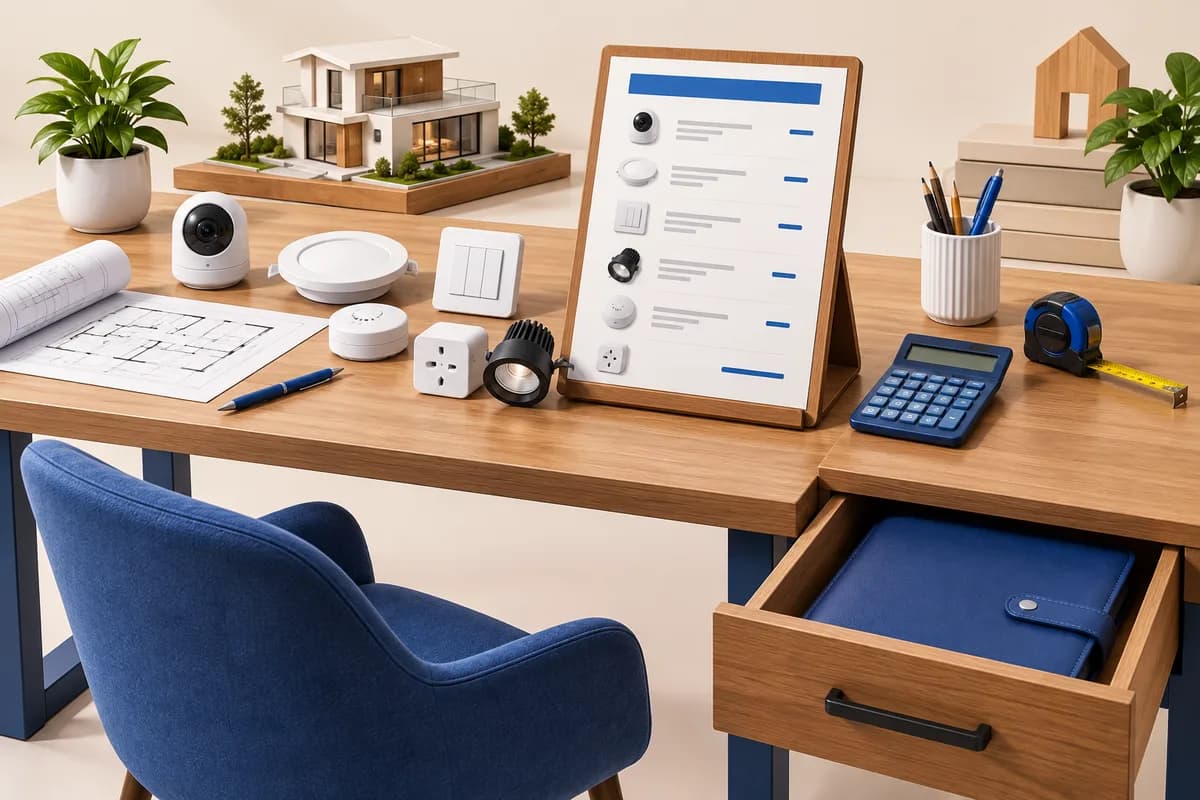
01 / Price Import a scope or add equipment and services.
02 / Review Confirm quantities, rates, tax and terms.
03 / Export Download a customer proposal and private backup.
Loading your provider workspace…
From a room schedule to an itemised proposal
Start with the room and point planner, save it in this tab or download its JSON backup, then import it here. A requested lighting group is a function, not necessarily one device. Scope import creates allowance rows with quantities and rates left for your review. Replace them with equipment, installation and programming rows linked to the same requirement.
How are discounts, tax and optional items calculated?
All selling rates exclude tax. Quantity × rate is rounded to paise, then the line discount is rounded and deducted. Tax is calculated on that net amount and rounded per line. Included lines form the total; optional lines appear separately; excluded lines add nothing. A blank price or tax stays unconfirmed. Rates support two decimal places and tax percentages are entered by the provider.
Who can see my purchase costs?
The app stores them locally only when you save. Customer PDF, text, CSV and JSON exports omit the dedicated cost and supplier-source fields. Your private workspace backup includes those fields and must not be shared with customers. Avoid sensitive data on shared devices. This release has no cloud account, team access or encrypted rate vault.
Does locking a revision send a quotation?
No. It retains a fixed customer copy in your local workspace. Start a new revision to edit, and download backups to keep your history. It does not email a customer, record acceptance or create a legally verified signature. Confirm your own commercial and tax treatment before issuing a proposal.
Workflow research
This independent tool draws on established quotation patterns documented by Zoho Books and Portal’s optional-item guidance. Their catalogues and dealer prices are not imported. Research reviewed 17 September 2026.