FREE TOOL / 03 · HOMEOWNERS, ARCHITECTS & PROVIDERS
One clear scope. Room by room.
Turn your ideas into a schedule an architect or automation provider can work from. Define each room, record the functions you need and keep unanswered questions visible.
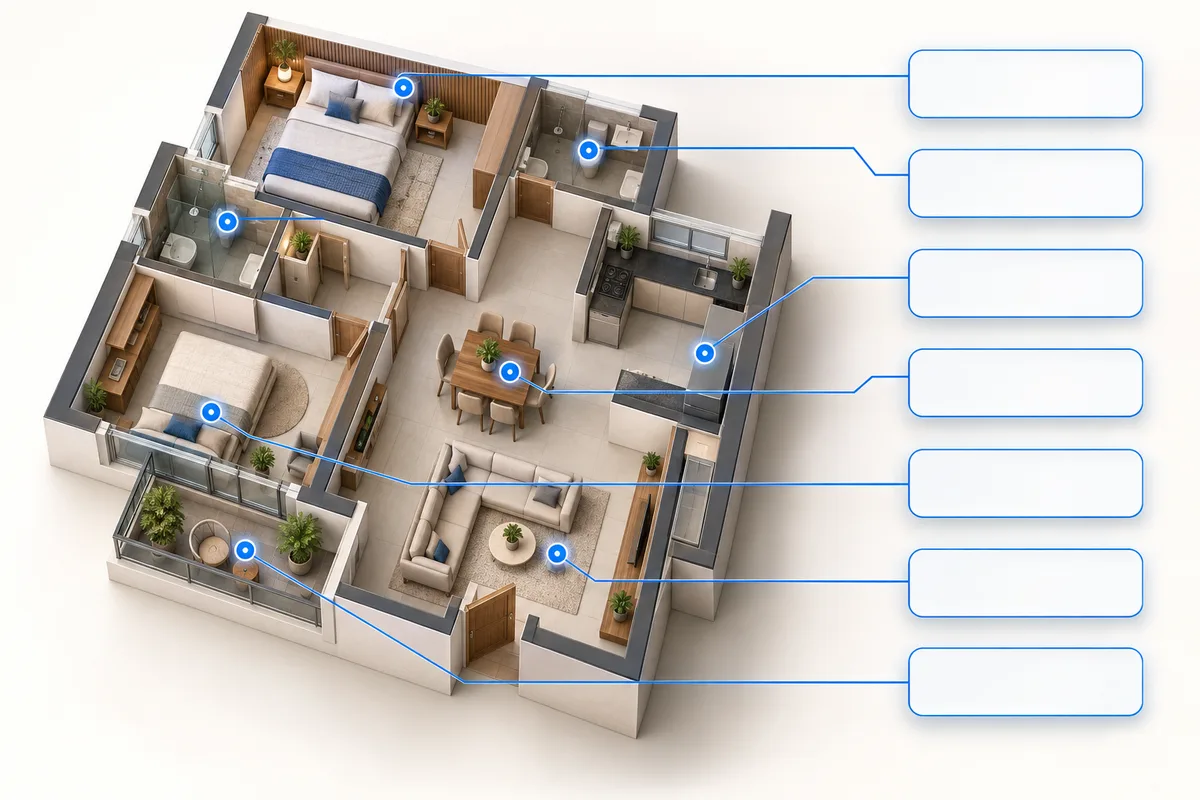
01 / Define Add rooms and daily routines.
02 / Specify List functions, quantities and priorities.
03 / Share Export one scope for everyone to review.
Loading your scope workspace…
Ready to price the scope?
Providers can open the quotation builder and import a scope saved in this tab or a downloaded JSON backup. Review requirement quantities before pricing equipment and services.
What is a home automation point schedule?
It is a room-by-room list of the functions and control locations you want to discuss. A row might describe a dimmable lighting group, a curtain opening or a network outlet. Stable references help your architect and provider discuss the same requirement even when a room name changes.
How should I count lighting and control points?
Count a lighting group as lights that should operate together, not individual bulbs. Count keypads as control locations, not buttons. Leave quantities blank when a site survey is needed; they will appear as TBC in your schedule. Each category has its own unit, so this tool does not combine different functions into a misleading device total.
Can I use an existing brief or budget?
Yes. Save your project brief or working budget in this tab, then choose Import above. You review the imported project details and add rooms yourself. A budget snapshot is context; changing points does not recalculate its quantities or prices.
Does this create an electrical drawing or supplier quote?
No. It creates a planning schedule for discussion and pricing. An integrator must confirm models and interfaces, and the appropriate professional must check wiring, electrical loads and installation conditions. The next step is to ask providers to quote the same scope and identify their exclusions.
Planning references
The room-based approach is informed by CEDIA’s room-by-room guidance and KNX’s building and room organisation. This independent tool does not import ETS projects or certify a design. Research reviewed 17 September 2026.